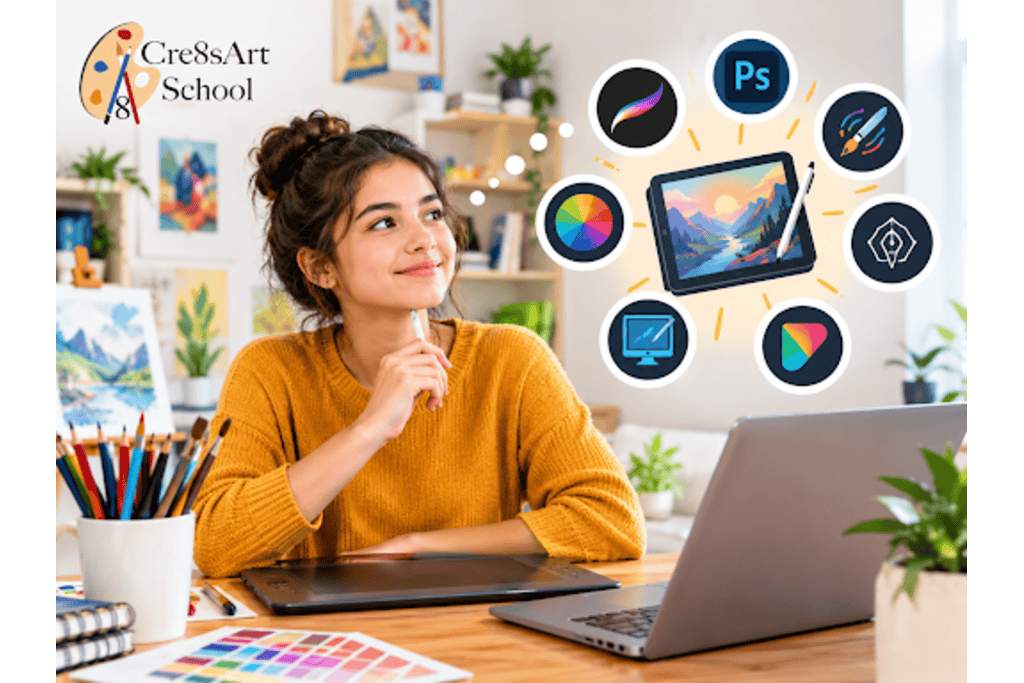
Getting started with digital art is easier when you have the right tools and guidance. Whether you’re exploring art and painting classes or learning through online art courses, the right resources can help you develop your skills. In this guide, we’ll cover beginner-friendly tools, digital painting classes, and ways to create original artwork that could support future art scholarships.
1. Decide What Type of Digital Art You Want to Create
Before purchasing equipment, consider what you want to make. Different art styles may require different tools and features.
- Digital illustration: Useful for character design, comics, and imaginative artwork.
- Digital painting: Suitable for landscapes, portraits, and artwork that imitates traditional painting.
- Graphic illustration: Helpful for creating posters, simple visual designs, and digital compositions.
- Concept art: Focuses on developing ideas for characters, environments, and creative projects.
Knowing your preferred direction makes it easier to choose suitable software and hardware. You can also explore several styles before settling on one, especially if you are still discovering your interests.
2. Choose a Drawing Tablet That Matches Your Budget
A drawing tablet is one of the most useful tools for digital artists. Beginners generally have three options.
Pen tablets connect to a computer and let you draw with a pressure-sensitive stylus. They are often affordable, although you may need time to get used to drawing while looking at a separate screen.
Pen displays allow you to draw directly on the screen. They offer a more familiar experience for people transitioning from paper to digital art, but they generally cost more.
Standalone tablets run drawing applications directly on the device. They are convenient for students who want to create artwork without carrying a separate computer.
When comparing options, check stylus pressure sensitivity, screen size, compatibility, and replacement pen availability. A reliable entry-level device is usually enough to learn the fundamentals.
3. Find Digital Art Software That Is Easy to Learn
Your software matters as much as your hardware. Beginners should look for applications with an understandable interface, useful drawing tools, and tutorials that explain common features.
Free or low-cost programs can be excellent starting points. Krita, for example, offers digital painting tools, while other applications may focus on illustration, photo editing, or drawing on tablets.
Before paying for a subscription, check whether the software supports your device and preferred file formats. Try a few basic exercises, such as creating layers, adjusting brush sizes, blending colors, and exporting an image.
You do not need to learn every feature immediately. Start with the tools you will use most often and add new techniques as your confidence grows.
4. Learn the Basics Before Buying Extra Accessories
It is easy to spend money on premium styluses, brush packs, screen protectors, and advanced editing tools before understanding what you actually need. Start with the basic equipment and add accessories only when they solve a specific problem.
Focus on learning these essential skills first:
- Using layers to separate sketches, colors, and details.
- Adjusting brush size, opacity, and pressure.
- Selecting colors and creating simple shading.
- Using undo, eraser, and selection tools.
- Saving artwork in editable and shareable file formats.
A comfortable working setup also matters. Make sure your screen is positioned at a suitable height, your drawing hand can move freely, and you can take breaks during longer sessions. These small adjustments can make regular practice more enjoyable.
5. Consider Online Art Courses and Guided Lessons
Learning independently can work well, but beginners sometimes struggle to understand which techniques to practice first. Structured lessons can provide a clearer learning path, especially when moving from traditional drawing to digital painting.
Well-designed online art courses may cover sketching, color theory, brush control, composition, and digital illustration. Look for lessons that include practical exercises, demonstrations, and feedback rather than relying entirely on prerecorded tutorials.
If you already enjoy traditional mediums, art and painting classes can also help you understand concepts such as light, texture, and color relationships before applying them digitally. Students in the Palisades Park area may consider local drawing classes in Palisades Park to develop foundational skills alongside their digital practice.
When comparing programs, review the instructor’s experience, lesson format, age suitability, and opportunities to receive feedback. The right course should match your current ability and creative goals.
Start Your Digital Art Journey With the Right Foundation
The right digital art setup is the one that suits your budget, creative interests, and current skill level. You can begin with an affordable tablet and accessible software, then expand your toolkit as you learn new techniques.
We provides a starting point for exploring creative education. Visit the Cre8sArt to learn more about art education and opportunities to develop your artistic skills.
FAQs
1. What digital art tools should a beginner buy first?
Start with a compatible computer or tablet, a stylus or drawing tablet, and drawing software. You can use free software initially and upgrade your equipment when your needs change.
2. Are digital painting classes suitable for beginners?
Yes. Beginner-friendly digital painting classes can teach brush control, color selection, shading, layers, and composition through guided exercises and practical projects.
3. Can I learn digital art through online art courses?
Yes. Online art courses can provide video lessons, demonstrations, and structured exercises. Choose a course that matches your skill level and offers clear guidance on the techniques you want to learn.
4. Do I need expensive equipment to create digital art?
No. An entry-level drawing tablet, a compatible computer, and free drawing software can provide the essential tools for learning digital art. Advanced equipment is optional.
5. Can digital art help me prepare for art scholarships?
Digital art can help you develop original work for a portfolio. However, scholarship eligibility and submission requirements vary, so check the official criteria for each opportunity before applying.